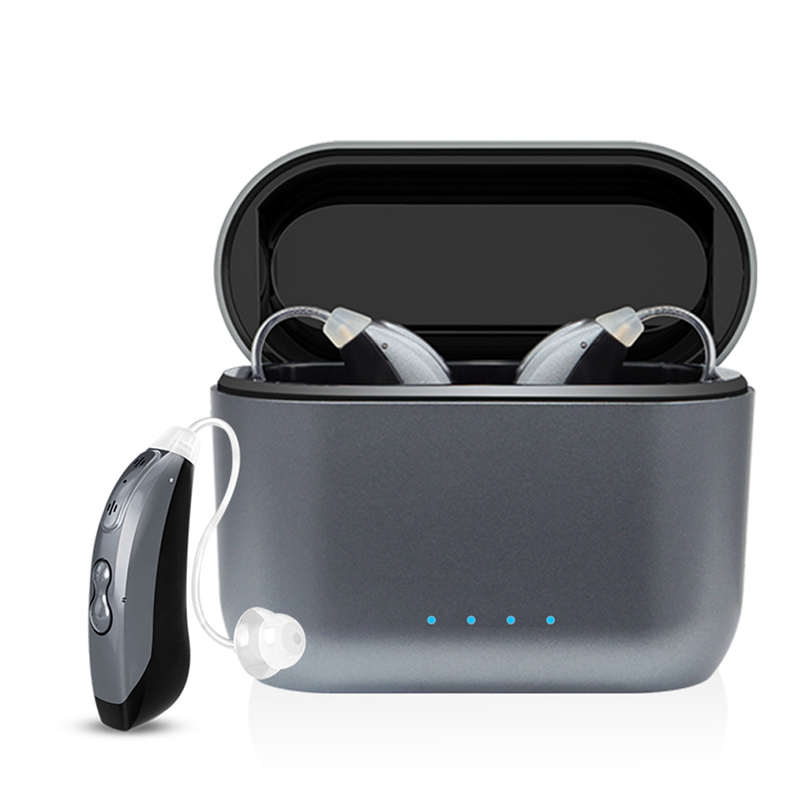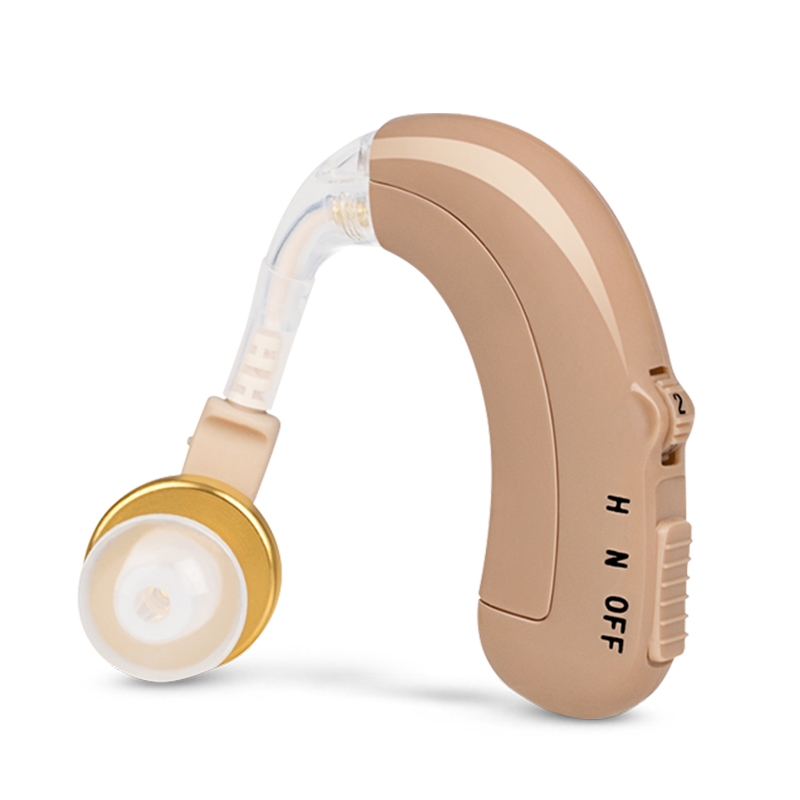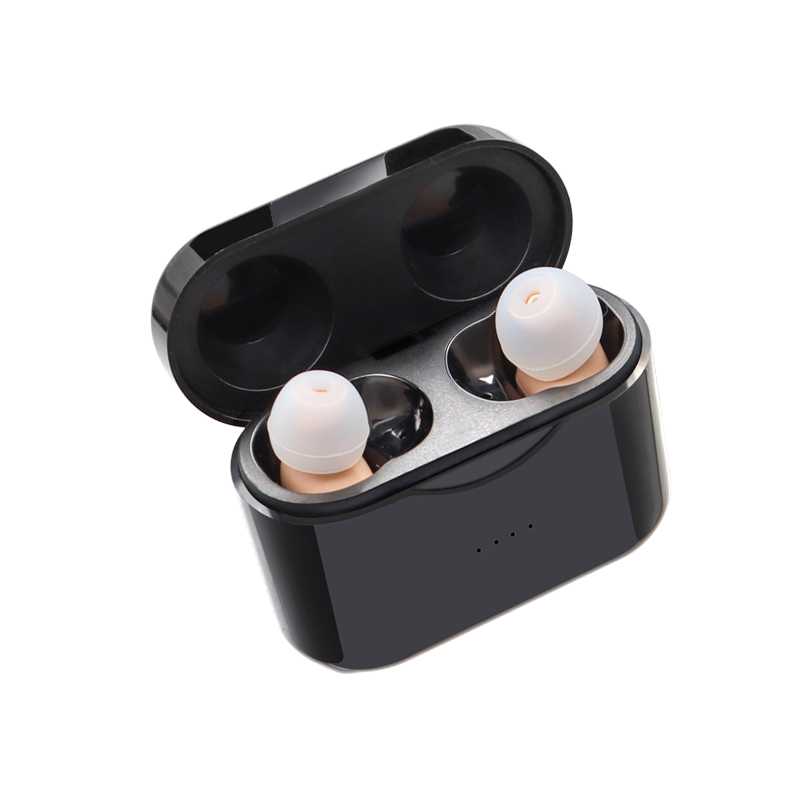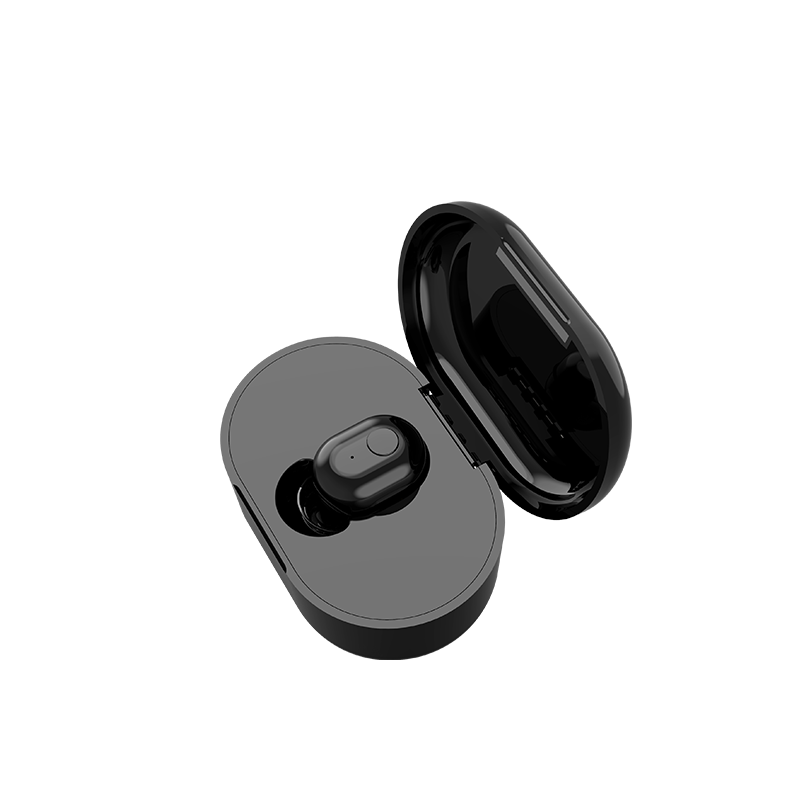
The world of wireless can be a little daunting. But experiencing the joys of streaming can be as easy as 1-2-3. If you’re not sure how to get started using your hearing aids’ Bluetooth capabilities, read on.
Connecting Hearing Aids to Your Smartphone
There are a growing number of made-for-smartphone hearing aids. This technology lets you send the audio from your phone, tablet, or laptop directly to your hearing aids. In short, you can use your hearing aids as wireless headphones. Not all hearing aids with Bluetooth are smartphone-compatible — only the ones designated Made for iPhone or Made for Android.
The good news is setting these up is simple — the technology does most of the work for you! Whether you have Apple- or Android-compatible hearing aids, the idea is the same. The only difference is the steps you take on your smartphone to make it happen.
Turn on your Bluetooth
On either your iPhone or your Android phone, go to the Settings app. Find Bluetooth — it should be near the top of the menu — select it, then turn it on.
Locate your hearing aids in the list
On your iPhone, go back to the Settings app. Scroll down, find Accessibility, and select it. Scroll about halfway down that menu, find Hearing Devices, and select it. Your hearing aids should be listed.
On your Android phone, once you turned on Bluetooth, your phone should have started “looking” for other Bluetooth-enabled devices to connect to. Within seconds, your hearing aids should be listed.
For both phones, if your phone doesn’t list your hearing aids within a few seconds, you may need to open and close the battery doors or put them on the recharger. This turns them off and then on again, which should help your phone find them.
Select your hearing aids
When your phone finally lists your hearing aids as an option, select them. They will begin connecting, which could take up to 30 seconds or a minute.
Connecting Other Devices to Your Hearing Aids
Smartphone streamers
If your hearing aids aren’t Made for iPhone or Made for Android, you can still wirelessly stream audio from your smartphone to your hearing aids. It just requires a separate, tiny wireless device, called a streamer, that either clips to your collar or hangs from your neck and can be hidden underneath your clothing.
Each hearing aid manufacturer makes their own version of this popular accessory. Connecting is often even easier than the above process and can be found in the streamer’s instructions.
Other streamers
Many situations — even with smartphone-compatible hearing devices — require a streamer if you want audio sent to your hearing aids. From TV streamers to mini-microphones (for conversations in noisy environments), you can find a streamer to assist you in hearing your world even more clearly.
Each hearing aid manufacturer makes their own array of streamers. Connecting is often even easier than the above process and can be found in the streamer’s instructions.
If you’re curious about the latest streamers or want to learn more about smartphone-compatible hearing aids, contact us today!
Got Questions?
We’ve got answers and we’re standing by to help.
Request a Follow-up
The above is the interpretation of How to Pair Your Hearing Aids with iOS and Android provided by Chinese hearing aid supplier Shenrui Medical. Link https://www.srmcm.com/Blog/How_to_Pair_Your_Hearing_Aids_with_iOS_and_Android.html of this article is welcome to share and forward. For more hearing aid related information, please visit Blog or take a look at our Hearing aids products